No products in the cart.
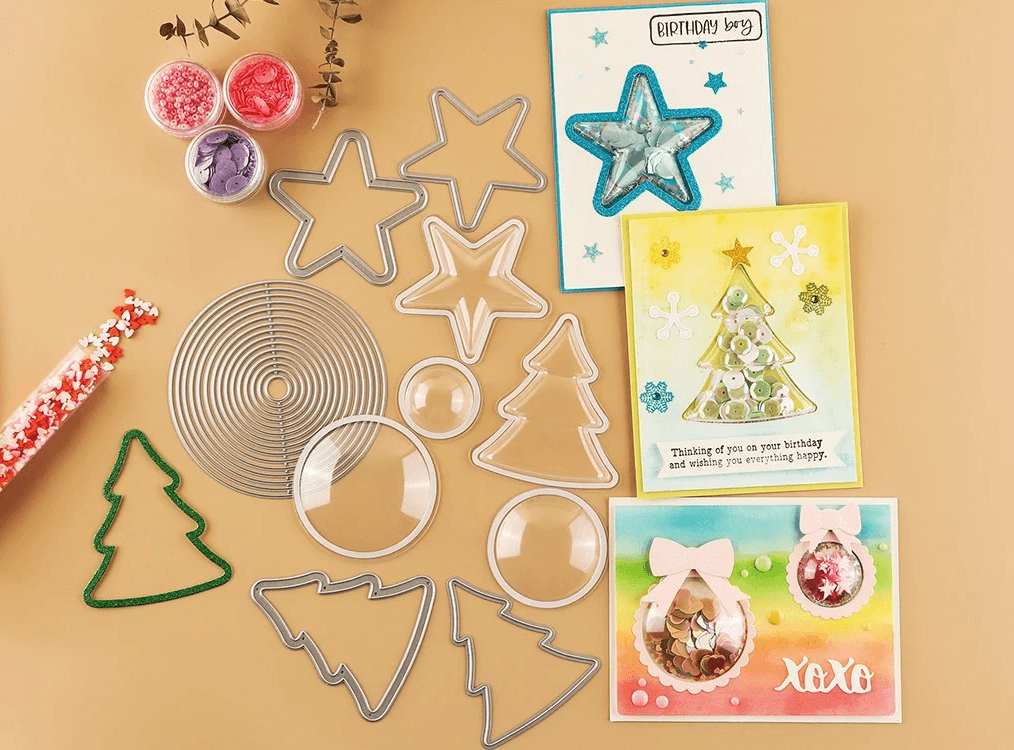

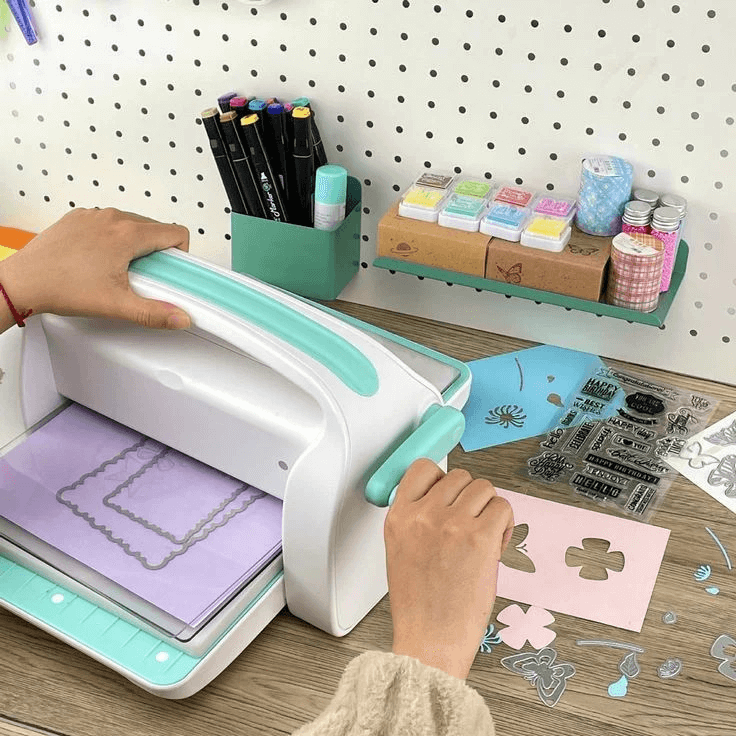

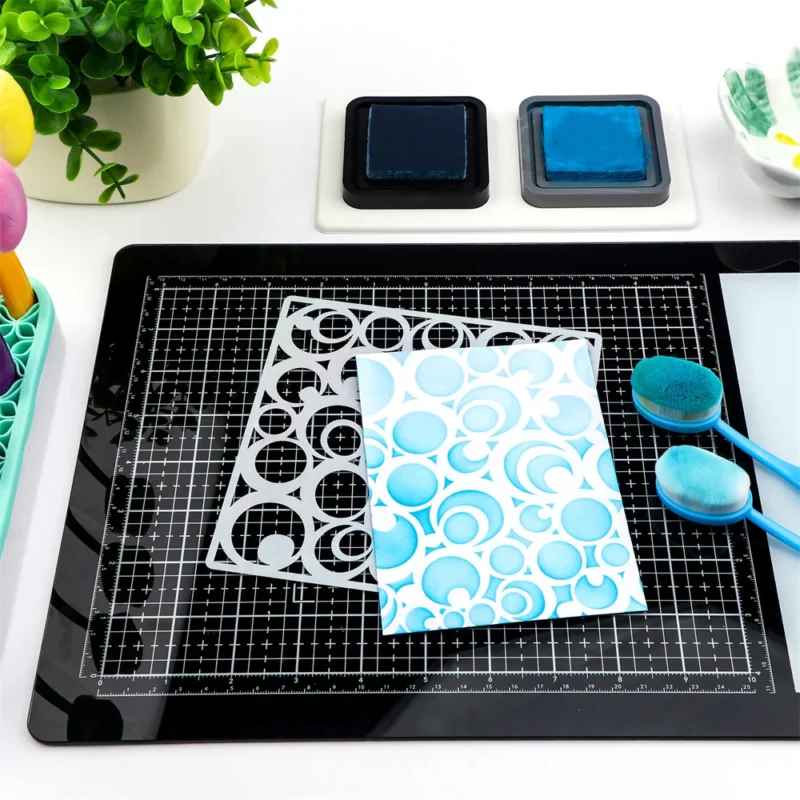
Emboss Your Unique Style
Made with certified stainless steel and precision brass dies for lasting durability and sharp impressions.



When you place an order with PayPal, you will be redirected to the PayPal payment page where you can confirm your payment by logging in with your PayPal username and password.
Don’t have a PayPal account? You can still check out via PayPal as a guest using your credit or debit card:
✓ Payment is traceable through your PayPal account
✓ Sumflying Craft never receives your credit card number

We accept Visa, MasterCard, and American Express from most regions worldwide.
To complete your payment:
⚠ If your payment is declined, it may be flagged by our fraud prevention system. Please contact your card-issuing bank ahead of time to authorize the purchase.


Check out faster with Apple Pay and Google Pay — your saved payment and shipping information is automatically filled in.
✓ Your card number is never stored on your device or shared with Sumflying Craft
Why was my payment declined?
Common reasons include:
If problems persist, please contact our support team for assistance.
Don’t miss the chance to participate in the biggest giveaway of this year.
 New Arrivals
 Best Sellers
 All Product
 Latest deals